
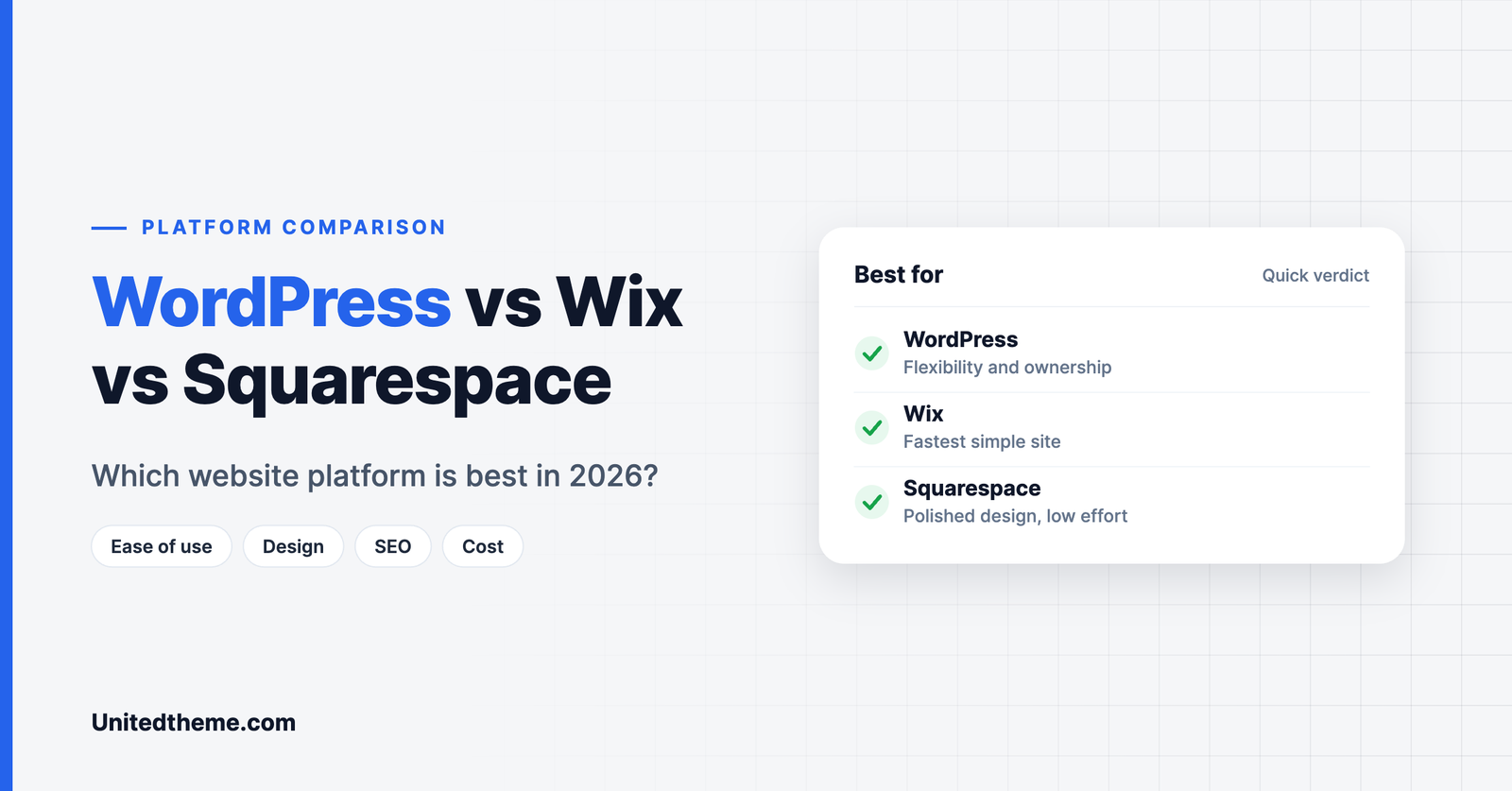
WordPress, Wix and Squarespace are three of the most popular ways to build a website, and they take very different approaches. Wix and Squarespace are all-in-one hosted builders: you pay a subscription and everything is included. WordPress is open-source software you install on hosting you choose, which gives you far more control and a little more responsibility.
There is no single winner. The right platform depends on what you are building, how much you want to customize and how far you expect the site to grow. This WordPress vs Wix vs Squarespace comparison looks at ease of use, design, features, SEO, cost and ownership so you can decide with confidence.
Note: this article compares self-hosted WordPress (WordPress.org) with Wix and Squarespace. Plans and features change often, so check each company’s website for current pricing before you buy.
Quick Verdict
| If you want… | Choose |
|---|---|
| The fastest route to a simple site | Wix |
| Polished design with minimal effort | Squarespace |
| Maximum flexibility and ownership | WordPress |
| A serious blog, magazine or news site | WordPress |
| A small portfolio or brochure site | Squarespace or Wix |
| A site that can grow into anything | WordPress |
How the Three Platforms Work
WordPress is free, open-source software that powers more than 40 percent of all websites. You install it on a hosting account, choose a theme for the design and add plugins for features. You own the files and the database.
Wix is a hosted website builder. You sign up, choose a template and drag elements around the page. Hosting, security and updates are handled for you.
Squarespace is also hosted and all-in-one. It is known for its carefully designed templates and a structured editor that keeps layouts tidy.
Ease of Use
Wix is the easiest to start with. Its editor lets you place elements almost anywhere, and there is very little setup.
Squarespace is nearly as simple. Its editor is more structured, which means less freedom but also fewer ways to make a page look messy.
WordPress has a short learning curve at the start because you arrange hosting and install a theme. Most hosts offer one-click installation, and modern block themes let you edit the whole site visually. After the first few hours, daily tasks such as writing posts and adding pages are straightforward.
Winner: Wix for absolute beginners. WordPress for anyone willing to invest a day in learning.
Design and Templates

Squarespace templates are consistently elegant, and it is hard to make one look bad.
Wix offers a large template library and a free-form editor. One limitation to know: you cannot simply switch to a different template later without rebuilding your pages.
WordPress has by far the widest choice, with thousands of free themes on WordPress.org and many premium themes. You can switch themes at any time and keep your content. With a block theme you can edit headers, footers and templates directly. See block themes vs classic themes for how that works, or browse our WordPress themes.
Winner: Squarespace for out-of-the-box polish. WordPress for choice and control.
Features and Flexibility
This is where the platforms differ most.
| Capability | WordPress | Wix | Squarespace |
|---|---|---|---|
| Extensions | Tens of thousands of plugins | App market | Limited set of extensions |
| Blogging | Excellent, built for it | Good | Good |
| Online store | Via plugins such as WooCommerce | Built in on commerce plans | Built in on commerce plans |
| Memberships and courses | Via plugins | Available | Available |
| Custom code | Full access | Limited | Limited |
| Multilingual sites | Via plugins | Available | Limited |
With WordPress, if you can imagine a feature, a plugin probably exists for it, and a developer can build it if not. Wix and Squarespace cover common needs well, but you work within what the platform offers.
Winner: WordPress.
Blogging and Publishing
WordPress began as a blogging tool, and it still shows. Categories, tags, custom post types, scheduling, revisions, multiple authors with different roles and a flexible editor are all built in. That is why it is the standard choice for blogs, magazines and news sites.
Wix and Squarespace both include capable blogging tools that are fine for a company blog or a personal journal. For a publication with many authors, categories and thousands of posts, WordPress handles the workload better. If that is your plan, read how to start a news website with WordPress.
Winner: WordPress.
SEO
All three platforms let you edit page titles, meta descriptions, image alt text and URLs, and all three create sitemaps. For a small site, any of them can rank well.
WordPress goes further. SEO plugins add detailed control over schema markup, redirects, indexing rules and content analysis. You also control hosting and performance, which matters for Core Web Vitals.
Winner: WordPress for control. For basic needs, all three are adequate.
Cost
Wix and Squarespace charge a monthly or yearly subscription that includes hosting. Costs are predictable, and plans with e-commerce features cost more. Wix also offers a free plan that shows Wix branding and uses a Wix subdomain.
WordPress software is free. You pay for hosting and a domain, and optionally for a premium theme or plugins. A simple WordPress site can cost less per year than a hosted builder, while a complex site with many premium plugins can cost more. The difference is that you choose where the money goes.
Winner: depends on your needs. WordPress is usually cheaper for content sites, and hosted builders are simpler to budget.
Ownership and Portability
This point is easy to overlook and hard to fix later.
With WordPress, you own everything. You can move your site to another host whenever you like, export all your content and change any part of the code.
With Wix and Squarespace, your site lives on their platform. You can export some content, but the design and many features cannot be moved elsewhere. If you leave, you rebuild.
Winner: WordPress.
Maintenance and Security
Wix and Squarespace handle updates, security and backups for you. That is a real advantage if you never want to think about them.
WordPress needs regular care: updating the core software, themes and plugins, and keeping backups. Good hosting automates much of this. You can follow our WordPress maintenance checklist or hand the work to a team through a WordPress retainer.
Winner: Wix and Squarespace for hands-off simplicity.
E-commerce: Selling Online With Each Platform
If you plan to sell products, the three platforms take different routes.
WordPress uses plugins for e-commerce, most commonly WooCommerce, which is free and open source. You can sell physical goods, downloads, subscriptions and bookings, and you can choose from many payment gateways. The trade-off is that you are responsible for setup, updates and performance.
Wix includes online store features on its business and commerce plans. Setup is quick and everything is managed for you. It suits small catalogs and straightforward selling.
Squarespace also has built-in commerce on its higher plans, with attractive product pages and tools for selling services, subscriptions and digital products. It is well suited to creators and small brands.
For a small shop, any of the three will work. For a large catalog, complex shipping rules or custom checkout requirements, WordPress gives you the most room.
Support and Community
Wix and Squarespace offer direct customer support, since you are paying them for a service. If something goes wrong with the platform, there is one company to contact.
WordPress has no single support desk, because it is open-source software. Support comes from several places: your hosting company, the developers of your theme and plugins, and a very large community of documentation, forums and tutorials. Premium themes and plugins normally include direct support. If you want one team to be responsible for your whole site, you can use a maintenance service or a WordPress retainer.
Performance and Speed

Page speed affects both user experience and search rankings.
With Wix and Squarespace, performance is largely in the platform’s hands. They manage servers, caching and content delivery. You have limited ability to tune things, but you also have little that can go wrong.
With WordPress, performance depends on your choices: hosting, theme, plugins and images. A well-built WordPress site on good hosting with a lightweight theme can be extremely fast. A site loaded with heavy plugins on cheap hosting will be slow. The control cuts both ways. Our guide to reducing TTFB in WordPress covers the most effective improvements.
Scalability: What Happens When You Grow?
Think about where the site might be in three years.
- More content. WordPress handles thousands of posts, many authors and complex category structures comfortably. Hosted builders are designed for smaller sites.
- More traffic. With WordPress you can move to more powerful hosting at any time. With Wix and Squarespace, scaling is handled for you within the limits of your plan.
- New features. On WordPress you add a plugin or commission custom development. On hosted builders you depend on what the platform decides to offer.
- A redesign. On WordPress you can change themes and keep all your content. On Wix, switching templates means rebuilding your pages.
If you are confident the site will stay small, this matters less. If growth is the plan, choose the platform that will not need replacing.
WordPress vs Wix vs Squarespace: Summary Table
| Factor | WordPress | Wix | Squarespace |
|---|---|---|---|
| Ease of getting started | Moderate | Very easy | Easy |
| Design choice | Thousands of themes | Large template library | Smaller, curated set |
| Switching designs | Easy, content is kept | Requires rebuilding | Possible within the platform |
| Flexibility | Very high | Moderate | Moderate |
| Blogging | Excellent | Good | Good |
| SEO control | Full | Good basics | Good basics |
| Hosting | You choose | Included | Included |
| Maintenance | Your responsibility | Handled for you | Handled for you |
| Ownership and portability | Full | Limited | Limited |
| Best for | Content sites and growth | Quick, simple sites | Design-led small sites |
Who Each Platform Is Really For
A local service business that needs five pages and a contact form will be well served by Wix or Squarespace, and can be online in a day.
A photographer, designer or restaurant that wants a beautiful site with little effort will likely enjoy Squarespace.
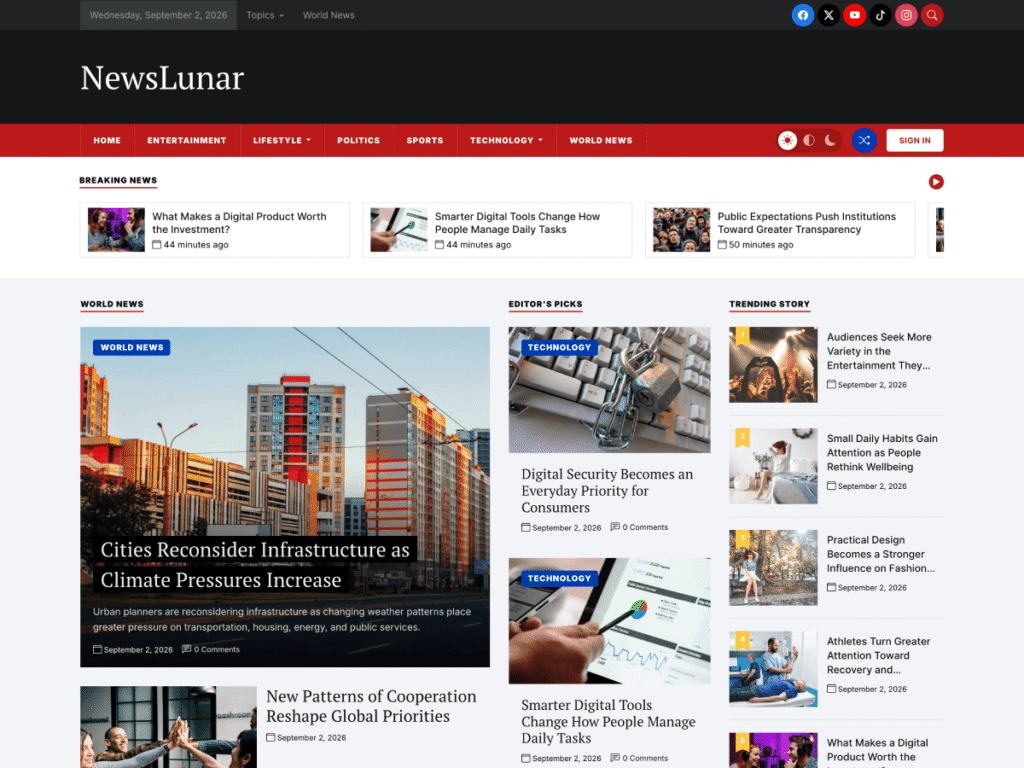
A blogger, publisher or content marketer should choose WordPress. Publishing is what it was built for, and themes such as BlogPulse and NewsLunar give you a professional layout for free.
A growing business that expects to add a store, memberships, multiple languages or custom features should also choose WordPress, to avoid migrating later.
Getting Started With WordPress
If you decide on WordPress, the first steps are simple:
- Choose a hosting provider and a domain name.
- Install WordPress with the host’s one-click installer.
- Pick a theme. A block theme lets you edit the whole site visually.
- Add a few essential plugins for SEO, caching, security and backups.
- Create your main pages and publish your first posts.
- Connect analytics. See how to install Google Analytics in WordPress.
Which Platform Should You Choose?
Choose Wix if you want a small site online today, you value drag-and-drop freedom and you do not expect complex needs later.
Choose Squarespace if design matters most, you want a portfolio, restaurant, studio or small shop and you are happy working within templates.
Choose WordPress if content is central to your site, you want to own your platform, you expect to grow or you need features the hosted builders do not offer.
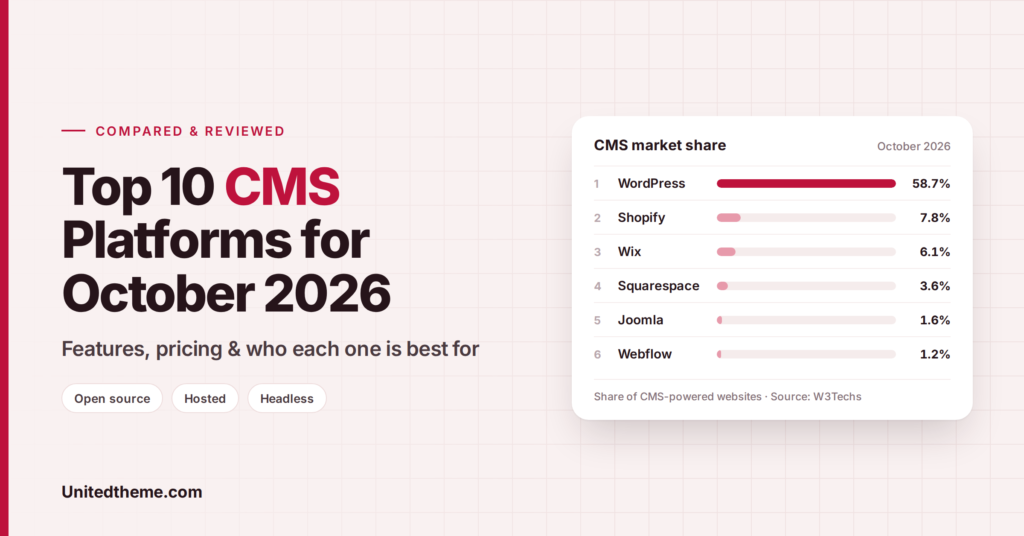
Still comparing? Our guide to the best CMS platforms covers ten options, including Shopify, Webflow and Ghost.
Frequently Asked Questions
Is WordPress harder to use than Wix?
Slightly, at the beginning. Setting up hosting and a theme takes a little longer. Day-to-day editing is comparable once the site is running.
Can I move from Wix or Squarespace to WordPress later?
Yes, but it is a migration project. Text and images can be moved, while the design needs to be rebuilt in a WordPress theme. Our WordPress migration service handles this.
Which platform is best for SEO?
All three cover the basics. WordPress gives the most control over technical SEO and performance.
Which is cheapest?
For a basic content site, WordPress with affordable hosting and a free theme is often the lowest-cost option. Hosted builders bundle everything into one subscription.
Is WordPress really free?
The software is free and open source. You pay for hosting and a domain name, and for any premium themes or plugins you choose.
Final Thoughts
Wix and Squarespace trade flexibility for convenience. WordPress trades a little convenience for flexibility and ownership. If your website is a simple calling card, a hosted builder is a sensible choice. If it is the center of your publishing or business, WordPress gives you the room to grow. When you are ready, start with one of our free WordPress themes.



Leave a Reply