Overview
NewsPulse Plus works with the theme you already use
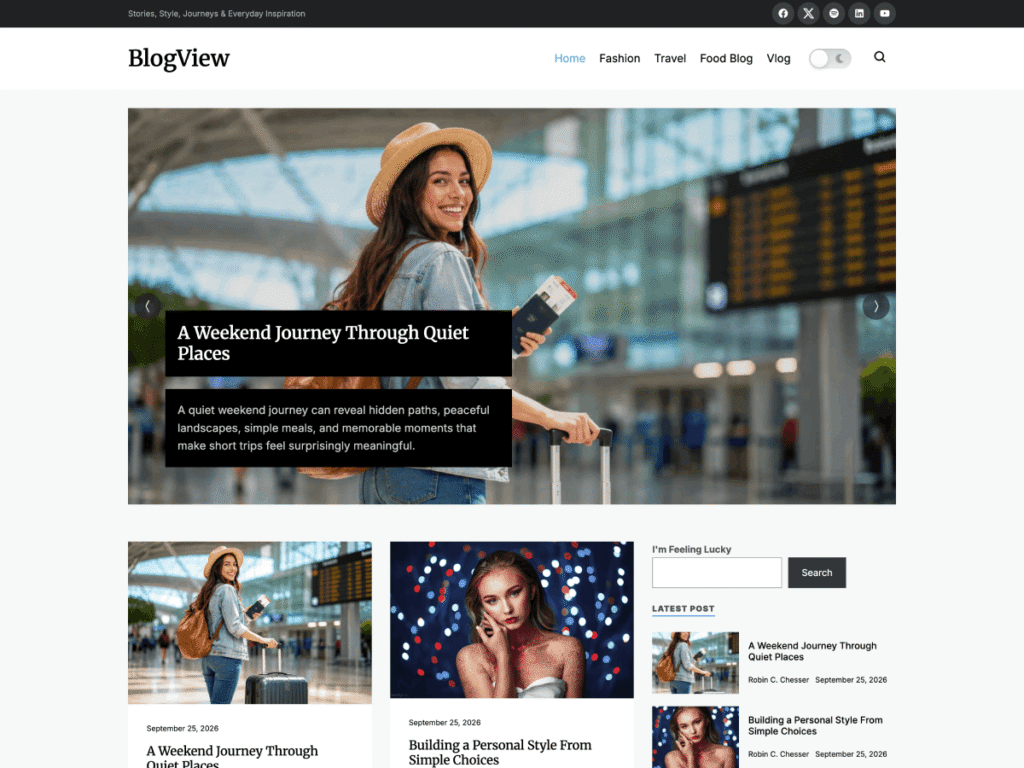
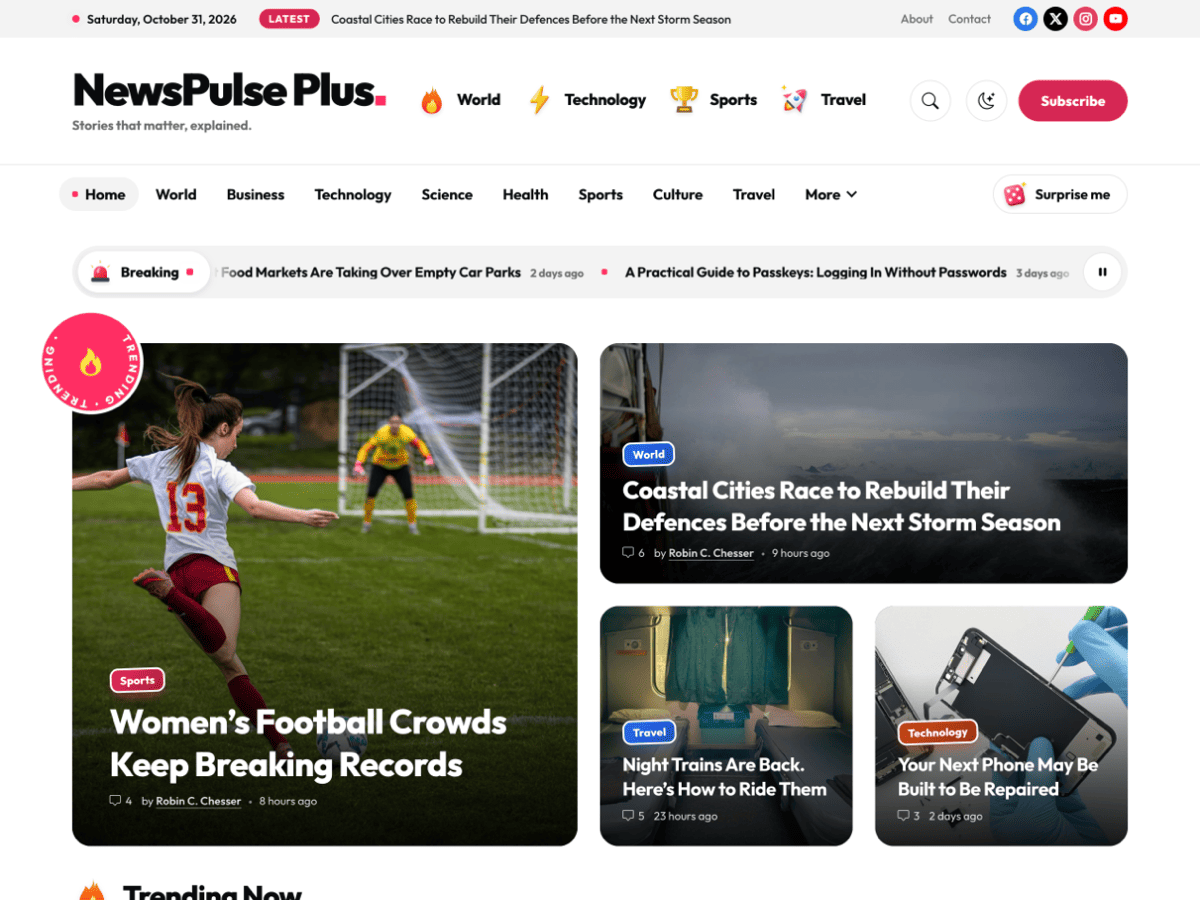
NewsPulse is a bold, image-first magazine theme for viral, entertainment and trend-driven publishing: a big-story mosaic with a spinning Trending sticker, a numbered trending strip, a breaking news bar, most-read cards, a swipeable must-read carousel, topic stickers and image tiles.
NewsPulse Plus is delivered as a plugin. Install it, activate it, and the new options appear on the site you have already built. The theme stays active and untouched.
- Layout, menus and settings stay in place
- No content to move or rebuild
- Upgrade whenever you are ready
What you get
Everything NewsPulse Plus adds
The free theme gives you the full homepage design, a responsive layout, SEO-friendly markup and translation support. The plugin adds everything below.
Font and color options
A magazine needs to be recognizable. Choose your own fonts and colors, so the design carries your brand across headlines, labels, buttons and accents.
Dedicated customer support
Free users rely on community support. With a license, your questions go to the people who build the theme and the plugin, and updates arrive directly.
Newsletter option
Search and social traffic rise and fall. An email list is an audience you own.
Instagram feature
Image-led publishers often find their readers on Instagram first. Connect your site to that audience.
Remove the footer credit
Replace the “Theme by Unitedtheme” credit with your own line before you speak to advertisers and sponsors.
Unrestricted features
The plugin lifts the limits of the free version, so every option is available the moment you activate it.
One-click setup
Start from a finished design
Import the demo and begin with a complete magazine homepage. Then swap the sample stories for your own.
- One-click demo import
- Homepage sections ready to arrange
- Works with the content you already have
Built to be found
Clean foundations for search
The theme is SEO optimized and translation ready, and the plugin keeps those foundations intact while you add your branding.
- SEO optimized markup
- Translation ready with PO, WPML and RTL support
- Fully responsive on every screen
Who it is for
Who is NewsPulse Plus for?
The plugin is built for publishers who lead with images and want their site to grow into a brand.
Entertainment and pop culture
Sites that depend on striking visuals and fast-moving stories, from film and TV to celebrity and trends.
Lifestyle, food and travel
Magazines with strong photography that want every feature to open with a picture worth stopping for.
Gaming, music and fandom
Publications with a young, mobile audience that expects an energetic front page and quick browsing.
Local culture and events
City guides and listings that want a lively homepage for what is on this week.
Creators with a following
Creators moving from social media to their own site who want a home as visual as their feed.
Not the right fit?
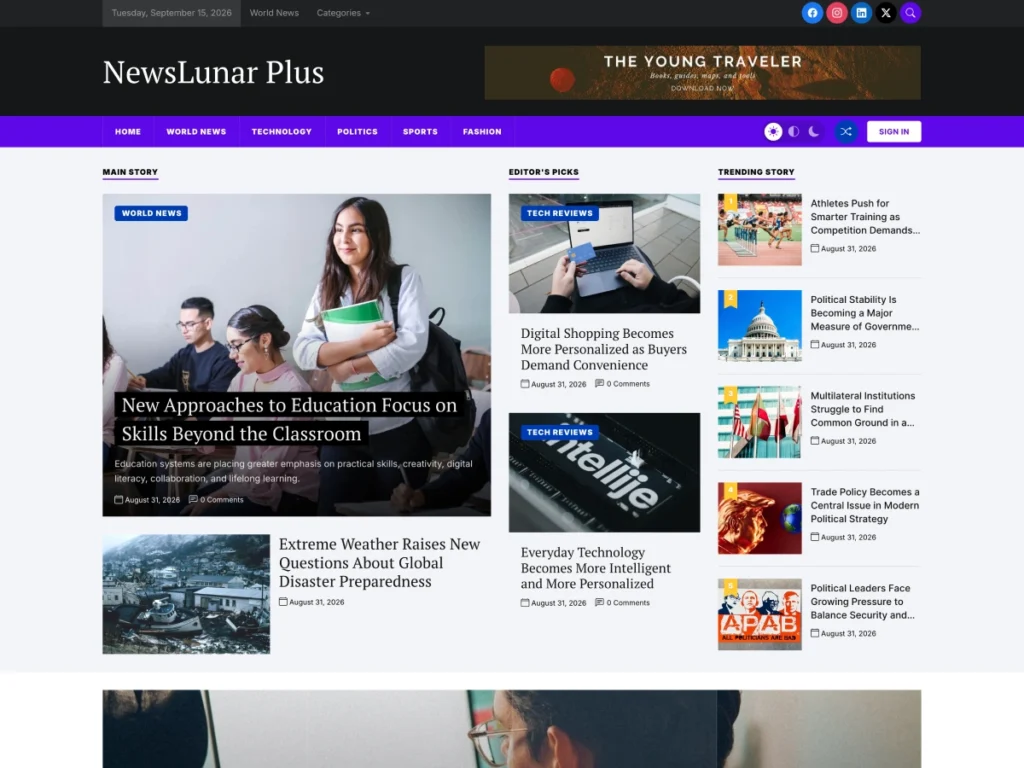
Publishing mostly text-led news across many categories? Look at NewsLunar Plus instead.
- Launching a new magazine Install the free theme, import the demo and publish. Add the plugin when you want your own branding.
- Growing an existing site Activate the plugin on your live NewsPulse site. Your layout and content stay exactly where they are.
- Testing before you commit Run the free theme for as long as you like. There is no trial clock, and nothing you build is lost.
01Theme
Install the free theme
Appearance → Themes → Add New Theme, search for “NewsPulse”, then install and activate it. It is also free on WordPress.org.
02Demo
Import the demo
Starting a new site? Import the demo, then replace the sample stories with your own.
03License
Buy NewsPulse Plus
Choose a license on this page and check out. The download is available straight away.
04Plugin
Upload and activate
Plugins → Add New Plugin → Upload Plugin. Activate it and keep the NewsPulse theme active.
05Brand
Set your brand
Choose fonts and colors, then set up the newsletter and Instagram sections. Prefer it done for you? Pick Lifetime with Installation.
Free or Plus
NewsPulse or NewsPulse Plus?
Free theme
Start with the free theme if…
- You are testing an idea and want to launch at no cost.
- The standard fonts and colors suit you for now.
- Community support is enough.
Plus plugin
Choose NewsPulse Plus when…
- You want the site to look like your brand.
- You want to collect email subscribers from the first day.
- You plan to approach advertisers and want a clean footer.
- You want your site to be comfortable for readers with different needs.
- You want direct support from the developers.
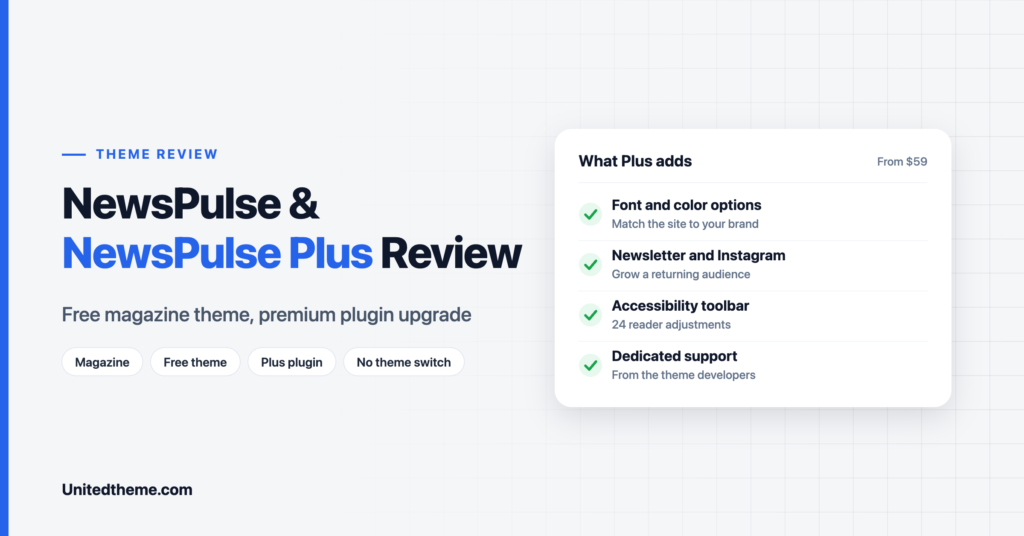
For a detailed walkthrough of both versions, read our NewsPulse and NewsPulse Plus review.
Compare
NewsPulse vs NewsPulse Plus
Everything in the free theme stays. Here is what the plugin adds on top.
| Feature | NewsPulse Free forever |
NewsPulse Plus From $59.00 |
|---|---|---|
| Design | ||
| Complete homepage design | Included | Included |
| One-click demo import | Included | Included |
| Font and color options | Not included | Included |
| Remove the footer credit | Not included | Included |
| Audience | ||
| Newsletter option | Not included | Included |
| Instagram feature | Not included | Included |
| Accessibility toolbar (24 adjustments) | Not included | Included |
| Foundations | ||
| Responsive on every screen | Included | Included |
| SEO optimized markup | Included | Included |
| Translation ready (PO, WPML, RTL) | Included | Included |
| Unrestricted features | Not included | Included |
| Support | ||
| Help | Community forum | Direct from the developers |
| Updates | WordPress.org | Included with your license |
Day 1
Set your brand
Choose a headline typeface, a body typeface and one accent color. Check the homepage and a single article.
Day 2
Build your audience tools
Set up the newsletter with one clear sentence about what readers will receive. Then connect Instagram.
Day 3
Tidy the details
Remove the footer credit and add your own copyright line and links to About, Contact and Privacy Policy.
Day 4
Test accessibility
Open your site as a visitor and try the toolbar: larger text, high contrast and the reading mask.
Day 5
Review on mobile
Most magazine readers arrive on a phone. Scroll the homepage and try the must-read carousel with your thumb.
Then
Publish
Share your first stories. Small, consistent choices do more for recognition than a complicated design.
Two typefaces at most
One for headlines and one for body text keeps the design confident.
One strong accent color
Use it consistently for labels and buttons so readers learn to recognize you.
One image ratio
Crop featured images to one aspect ratio. The mosaic and image tiles look far better when shapes match.
Short headlines
Headlines sit on top of images, so six to ten words read cleanly.
Newsletter at the end
Place the sign-up where readers finish a story. That is when they are most likely to subscribe.
Compress your images
File size is the main speed risk on an image-first design. Our guide to WebP vs PNG vs JPEG explains how.
Product questions
NewsPulse Plus FAQ
Still have a question about licensing, setup or customization? The people who build NewsPulse Plus answer every ticket.



Still have a question?
The people who build NewsPulse Plus answer every ticket, from setup to customization.
Is NewsPulse Plus a theme or a plugin?
NewsPulse Plus is a plugin. It works alongside the free NewsPulse theme and unlocks the premium features without replacing the theme.
Do I need the free NewsPulse theme?
Yes. NewsPulse Plus is a companion to the NewsPulse theme and is designed to work with it. Install and activate the free theme first.
Will I lose my content or layout when I upgrade?
No. The theme stays active, so your content, homepage layout, menus and settings remain in place.
What does NewsPulse Plus add to the free theme?
Font and color options, a newsletter option, an Instagram feature, footer credit removal, an accessibility toolbar with 24 adjustments, unrestricted features and dedicated customer support.
Is NewsPulse Plus a subscription?
No. Every license is a one-time payment. The Single Site License includes one year of updates and support, and the lifetime licenses include lifetime updates.
Is NewsPulse a block theme?
No. NewsPulse is a classic WordPress theme with a dedicated homepage template and widget areas.
What happens when my license expires?
You can keep using NewsPulse Plus for as long as you like, even on a Single Site License. The license gives you access to updates and premium support; renew it when you want those again.
Can you install NewsPulse Plus for me?
Yes. The Lifetime access with Installation license includes our installation and setup service, so the theme, the demo content and the plugin are ready when you log in.
Can I use NewsPulse Plus on more than one site?
Every license works on unlimited domains. The Single Site License key activates updates and support on one website; the lifetime licenses cover you for good.
Is there a way to get every premium theme?
Yes. The All Access membership unlocks every premium Unitedtheme product, including NewsPulse Plus, from $249 a year or $399 for lifetime access.
Where can I see NewsPulse Plus in action?
Use the Live Preview button on this page to open the demo site.
Learn more