
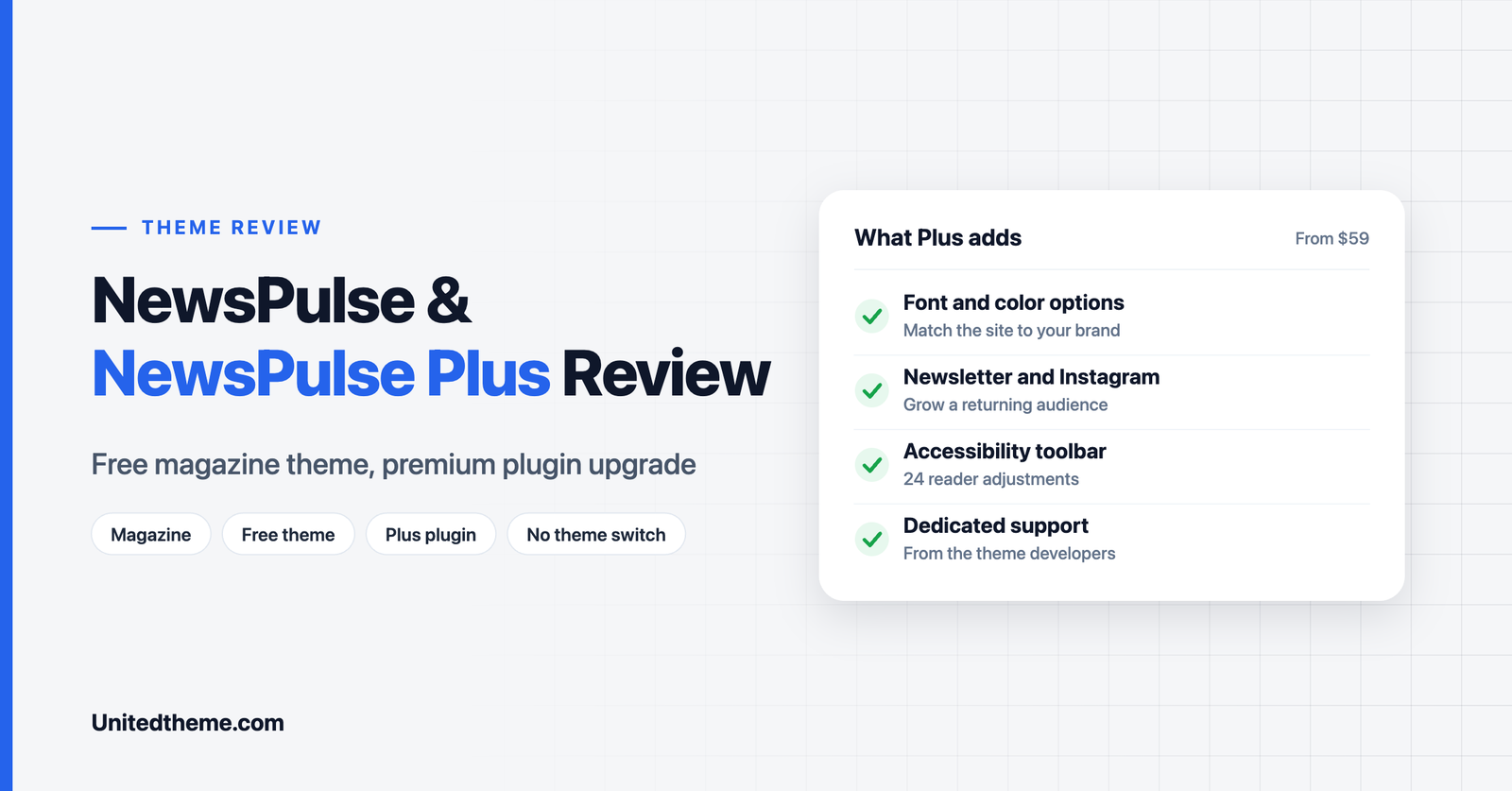
Most free WordPress themes make you choose: stay on the free version, or switch to a separate premium theme and set your site up again. NewsPulse takes a different route. The free theme stays exactly where it is, and the premium features arrive through a companion plugin called NewsPulse Plus. You install it, activate it, and the extra options appear on the site you have already built.
In this review we look at what the free theme offers, what the Plus plugin adds, how the pricing works and who each version suits.
Disclosure: both products are made by Unitedtheme, the publisher of this site. This review is based on the product pages, the WordPress.org listing and the live demos, and we have described the limits of both as plainly as the strengths.
NewsPulse at a Glance
| Free theme | Plus plugin | |
|---|---|---|
| What it is | WordPress theme | Premium companion plugin for the theme |
| Where to get it | WordPress.org | Unitedtheme.com |
| Current version | 1.0.3 | 1.0.0 |
| Last updated | 12 November 2026 | 31 October 2026 |
| Price | Free | From $59 |
| Best for | Launching an image-led magazine | Branding, growth and support |
The free theme requires WordPress 5.9 or higher and PHP 7.4 or higher.
What Is NewsPulse?
NewsPulse is a bold, image-first magazine theme built for viral, entertainment and trend-driven publishing. Where a traditional news theme packs the homepage with dense lists of headlines, this one gives your strongest stories large images and lets the pictures do the selling.
It is a classic WordPress theme, not a block theme. The homepage is built from a dedicated template made up of ready-made sections and widget areas, so you arrange a finished design instead of assembling one from an empty page. A one-click demo import loads the sample layout, and you then replace the sample content with your own.
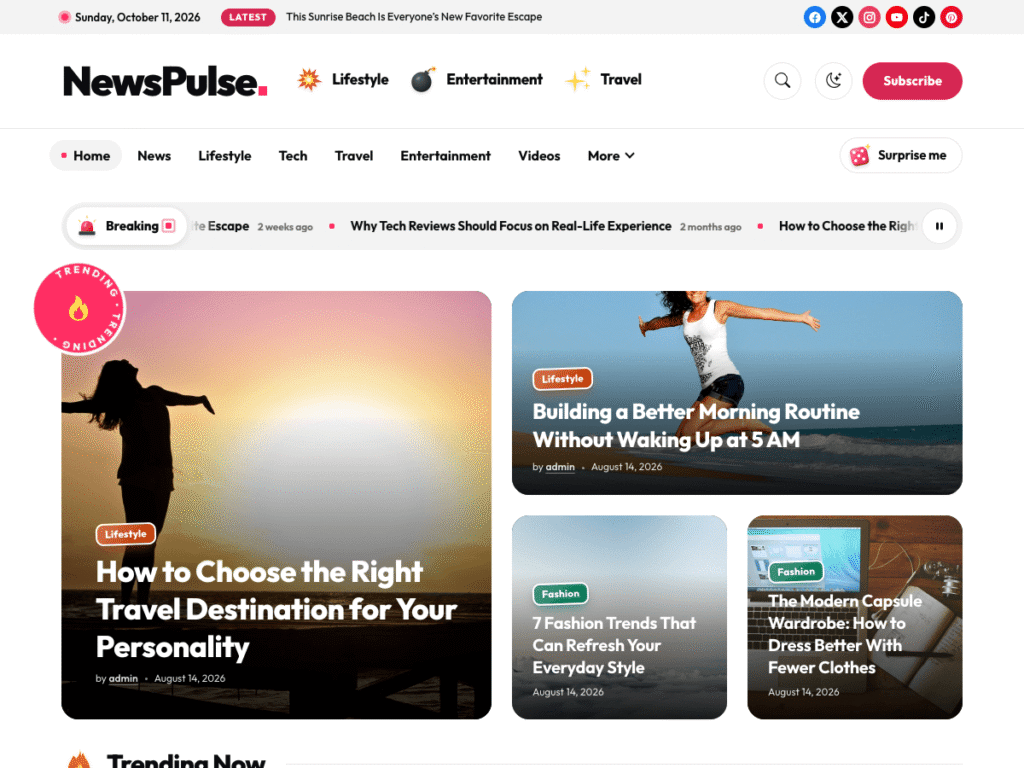
Homepage Sections in the Free Theme
The homepage is assembled from these ready-made sections:
- Big-story mosaic with a spinning Trending sticker, for your lead stories.
- Numbered trending strip that shows readers what is popular right now.
- Breaking news bar for urgent headlines.
- Most-read cards to keep visitors on the site.
- Swipeable must-read carousel, which works naturally on phones.
- Topic stickers that link to your main subjects.
- Image tiles for visual browsing.
- Call-to-action block for a newsletter, membership or campaign.
- Widget areas for anything else you need.
The free version is also fully responsive, SEO optimized and translation ready, with support for PO files, WPML and right-to-left languages.
Design and Reading Experience
The live demo shows a design with more personality than a standard news grid. A slim top bar carries the date, a “Latest” headline and social icons. Below it, the header pairs the logo with emoji-style topic stickers, a search button and a Subscribe button, followed by the main menu and a “Surprise me” button that sends readers to a random story.
The breaking news bar scrolls beneath the menu and can be paused. Then comes the mosaic: one large lead story beside a wide secondary story and two smaller tiles, each with a colored category label and a headline set over the image. Rounded corners, a bright accent color and the rotating Trending badge give the page an energetic, social-media feel.
This approach has a clear consequence. The layout looks its best when every story has a strong featured image. If you often publish without photos, a text-led theme will serve you better.
What Is NewsPulse Plus?
NewsPulse Plus is the premium companion to the theme. The important point is that it is a plugin, not a second theme.
That has practical benefits:
- No theme switch. You keep the same theme active. Your homepage layout, menus and settings stay as they are.
- No rebuild. The premium features are added to your existing site.
- Start free, upgrade later. You can launch on the free version and add Plus when you need it, without redoing any work.
- Easy to reverse. Because the upgrade is a plugin, the theme itself is untouched.
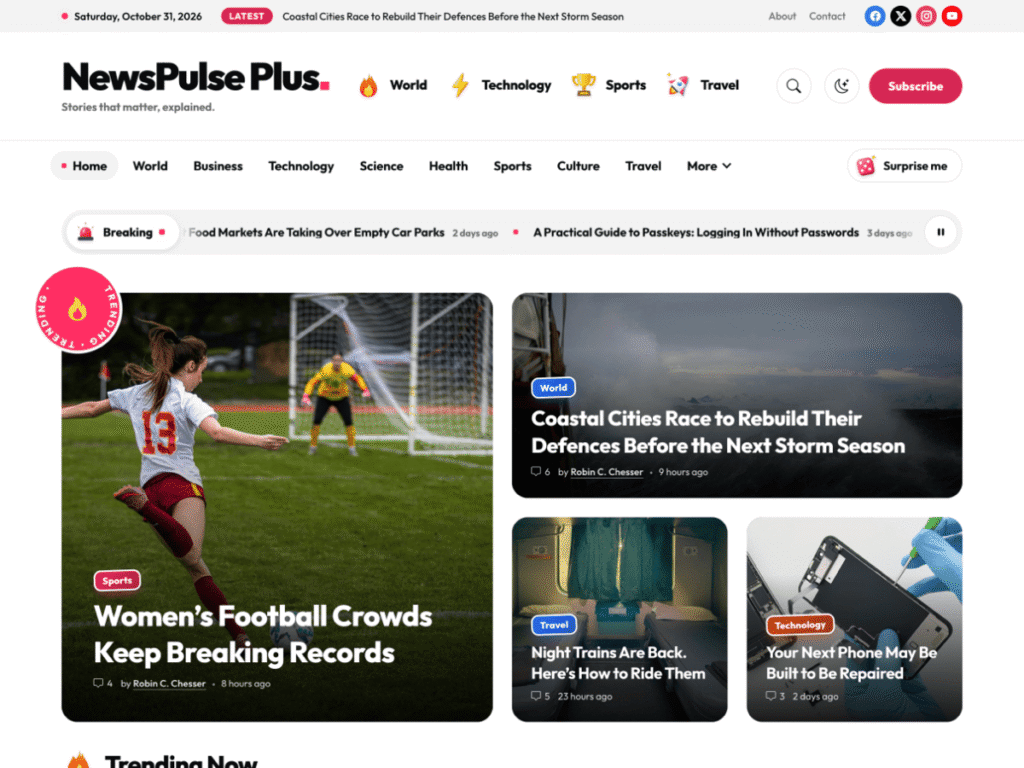
What the Plus Plugin Adds
| Feature | Free | Plus |
|---|---|---|
| Fully responsive | Yes | Yes |
| High-speed performance | Yes | Yes |
| SEO optimized | Yes | Yes |
| Translation ready (PO, WPML, RTL) | Yes | Yes |
| Unrestricted features | No | Yes |
| Font and color options | No | Yes |
| Newsletter option | No | Yes |
| Instagram feature | No | Yes |
| Remove footer credit | No | Yes |
| Dedicated customer support | No | Yes |
Font and color options matter most for a magazine. They let you match the site to your brand, so it does not look like every other site on the same theme.
The newsletter option and Instagram feature help turn one-time visitors into a returning audience. A newsletter gives you a direct line to readers that does not depend on search or social algorithms.
Footer credit removal gives the site a more independent, professional look when you approach advertisers and sponsors.
Dedicated customer support means your questions go to the people who built the theme, instead of a community forum.
The Accessibility Toolbar
Every Plus version now includes a built-in accessibility toolbar. It gives visitors 24 adjustments in three groups:
- Content: font size, spacing and weight, readable and dyslexic fonts, a text magnifier, highlighted links and titles, and a big cursor.
- Color: light, dark and high contrast modes, plus monochrome and saturation controls.
- Orientation: a reading line and mask, text to speech, keyboard navigation, and options to stop animations, hide images and mute sounds.
Each visitor’s choices are remembered on their next visit, and a single Reset button undoes everything. For a publication, this widens your audience to readers who find small text, low contrast or animation difficult.
Pricing
| License | Price | What is included |
|---|---|---|
| Single Site License | $59 | License key for one website, 1 year of updates, 1 year of support |
| Lifetime access | $99 | Lifetime updates, lifetime support, one-time fee |
| Lifetime access with Installation | $149 | Installation and setup service, lifetime updates, 1 year of support |
All prices are in USD and are one-time payments. For $40 more than the single-site license, the lifetime option removes the need to renew for updates. The installation option suits anyone new to WordPress who would like the site set up for them.
If you run several sites, the All Access membership unlocks every premium Unitedtheme product from $249, or $399 for lifetime access.
Pros and Cons
Pros
- A distinctive, image-first design that stands out from standard news layouts.
- Nine ready-made homepage sections in the free version.
- The upgrade is a plugin, so you never have to switch themes.
- One-click demo import.
- Translation and RTL support at no cost.
- A 24-adjustment accessibility toolbar in Plus.
- One-time pricing, with a lifetime option.
Cons
- Font and color options are only in Plus.
- The free version shows a footer credit.
- The design depends on strong featured images. Text-only stories will look weaker.
- It is a classic theme, so it does not use the WordPress Site Editor.
- Both the theme and the plugin are new releases, so they have a short track record.
- Community support only on the free version.
Who Should Use It?
Choose the free theme if you are launching an entertainment, culture, gaming or lifestyle magazine, you have good images, and you want to test the idea at no cost.
Add the Plus plugin if you need your own brand colors and fonts, want to build a newsletter audience, plan to work with advertisers, or want direct support and the accessibility toolbar.
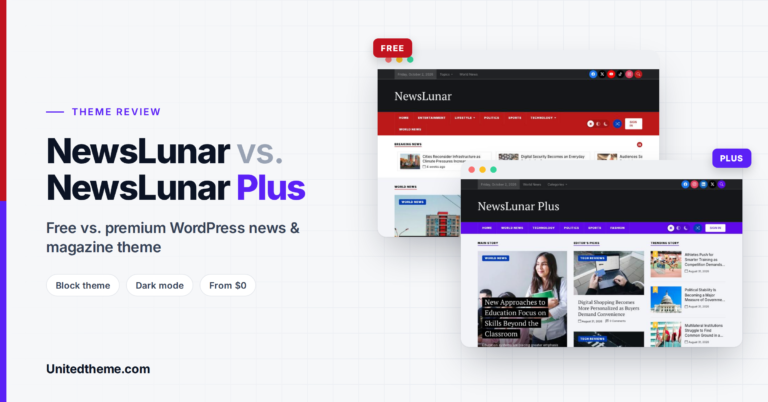
Look elsewhere if you publish mostly text-led news across many categories, or if you specifically want a block theme you can edit in the Site Editor. A newspaper-style block theme such as NewsLunar will suit you better. Our NewsLunar review covers it in detail.
How It Compares With NewsLunar
Unitedtheme offers two free themes for publishers, and they are built for different jobs.
| NewsPulse | NewsLunar | |
|---|---|---|
| Style | Bold, image-first, viral magazine | Newspaper-style news portal |
| Theme type | Classic theme | Block theme |
| Homepage | Mosaic, stickers, carousel | Lead story, Editor’s Picks, category lists |
| Premium upgrade | Plus plugin, same theme | Plus version |
| Best for | Entertainment and culture titles | Local and multi-category news |
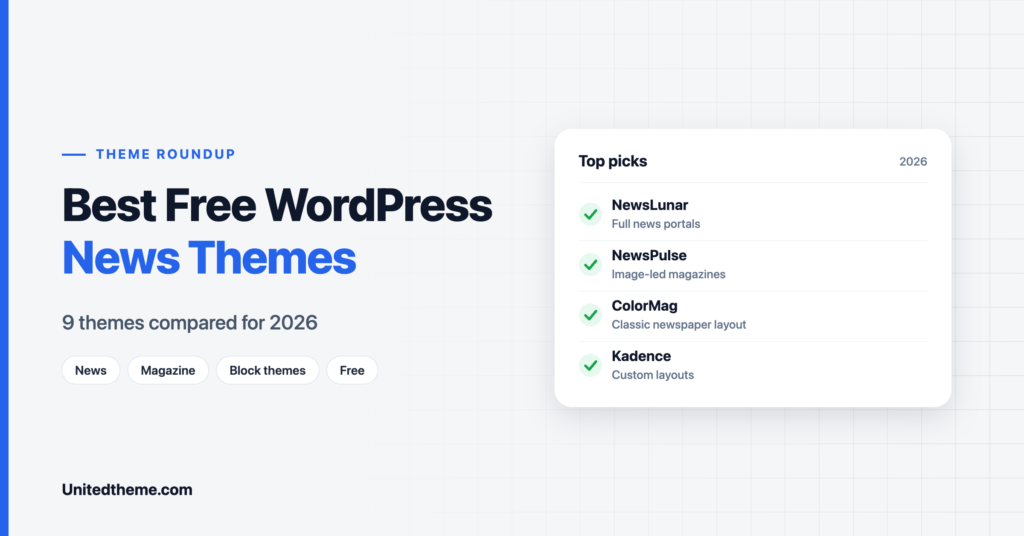
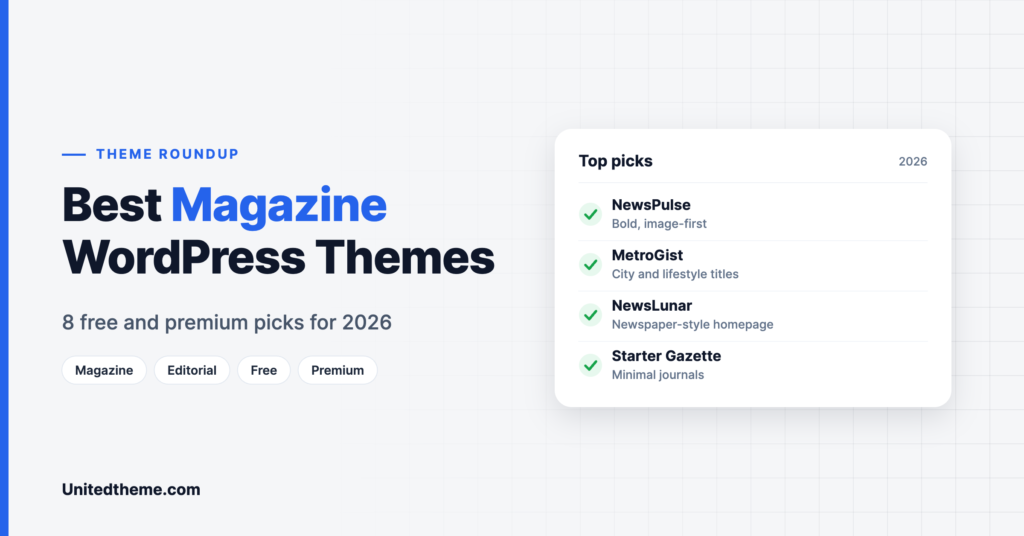
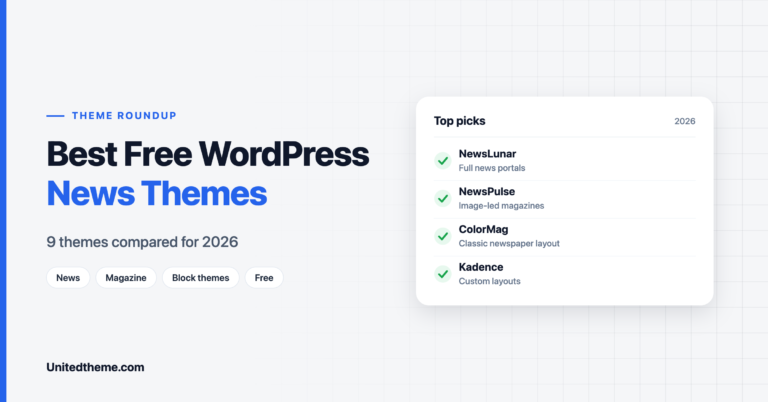
If you are still deciding, see our lists of the best news and magazine themes below.
Is NewsPulse Plus Worth It?
That depends on where your magazine is today.
If you are still testing an idea, the free NewsPulse theme is enough. It gives you the full homepage design, the demo import and translation support, and you can publish for as long as you like without paying.
NewsPulse Plus starts to earn its price once the site becomes something you want to grow. Three situations make the case clearly:
- You want the site to look like your brand. Without font and color options, every NewsPulse site shares the same look. For a publication that wants to be recognized, this is usually the first reason to upgrade.
- You want returning readers. The newsletter option gives you a way to collect email addresses from the first day, and the Instagram feature connects your site to the platform where visual publishers often find their audience.
- You want to earn from the site. Advertisers and sponsors judge a publication partly on presentation. Removing the footer credit and having dedicated support behind you both help.
At $59 for a single site, or $99 for lifetime updates and support, the cost is modest next to hosting and the time you put into content. And since NewsPulse Plus is a plugin, there is no migration cost at all. You do not rebuild the homepage, reassign menus or learn a new theme.
Tips for Getting the Most From NewsPulse
- Prepare featured images before you publish. Choose one aspect ratio and crop every image to it. The mosaic and image tiles look far better when the shapes are consistent.
- Keep headlines short. Headlines sit on top of images in the mosaic. Six to ten words read cleanly, while long headlines crowd the picture.
- Use the breaking news bar sparingly. If everything is breaking, nothing is. Reserve it for stories that are truly urgent or new.
- Limit your topic stickers to the three or four subjects you cover most. They work as signposts, not as a full menu.
- Give the must-read carousel your evergreen pieces. Guides and explainers keep earning attention long after news stories fade.
- Compress your images. An image-first design makes page weight your main performance risk. See our guide to WebP vs PNG vs JPEG.
- Review the trending strip and most-read cards from time to time. They show you what your readers actually want more of.
How to Get Started
- Install the theme. Go to Appearance, Themes, Add New Theme, search for “NewsPulse”, then install and activate it.
- Import the demo to load the sample homepage.
- Replace the sample posts with your own stories. Give every story a featured image at a consistent size.
- Set up your categories and menu so the homepage sections match your main topics.
- Check the site on a phone. Most magazine readers arrive on mobile.
- Upgrade when you are ready. Buy the Plus plugin, upload it under Plugins, Add New Plugin, and activate it. Keep the same theme active.
New to publishing? Our guide on how to start a news website with WordPress walks through hosting, categories and getting into Google.
Frequently Asked Questions
Is NewsPulse free?
Yes. The theme is free to download from WordPress.org.
Is NewsPulse Plus a separate theme?
No. It is a premium plugin that works alongside the free theme. You keep the same theme active and the plugin unlocks the extra features.
Will I lose my content or layout when I upgrade?
No. Because the upgrade is a plugin, your theme, content and layout stay in place.
Do I need the free theme to use the Plus plugin?
Yes. The plugin is a companion to the theme and is designed to work with it.
Is it a block theme?
No. It is a classic theme with a dedicated homepage template and widget areas. If you want to edit templates in the Site Editor, choose a block theme instead. See block themes vs classic themes for the difference.
Is the pricing a subscription?
No. Each license is a one-time payment. The Single Site License includes one year of updates and support, and the lifetime options include lifetime updates.
Final Verdict
This is a strong choice for publishers who lead with images and want a homepage with more energy than a standard news grid. The free theme is complete enough to launch with, and the plugin-based upgrade is its best idea: you can add branding, growth tools, accessibility features and support without rebuilding anything.
Start with the free NewsPulse theme, and add NewsPulse Plus when your magazine is ready to grow.
Leave a Reply