
When someone nearby searches for “plumber near me” or “best coffee shop open now”, Google shows a map with three businesses beneath it. Getting into that box can bring more calls and visits than any other free marketing channel. The key to it is your Google Business Profile.
This guide explains what a Google Business Profile is, how to set one up and how to optimize it step by step, with a checklist you can follow in an afternoon.
What Is a Google Business Profile?
A Google Business Profile, formerly Google My Business, is a free listing that controls how your business appears in Google Search and Google Maps. It shows your name, address, opening hours, phone number, website, photos and customer reviews.
It matters because local searches show strong intent. A person searching for a service “near me” usually wants to call, visit or buy soon.
How Google Ranks Local Businesses
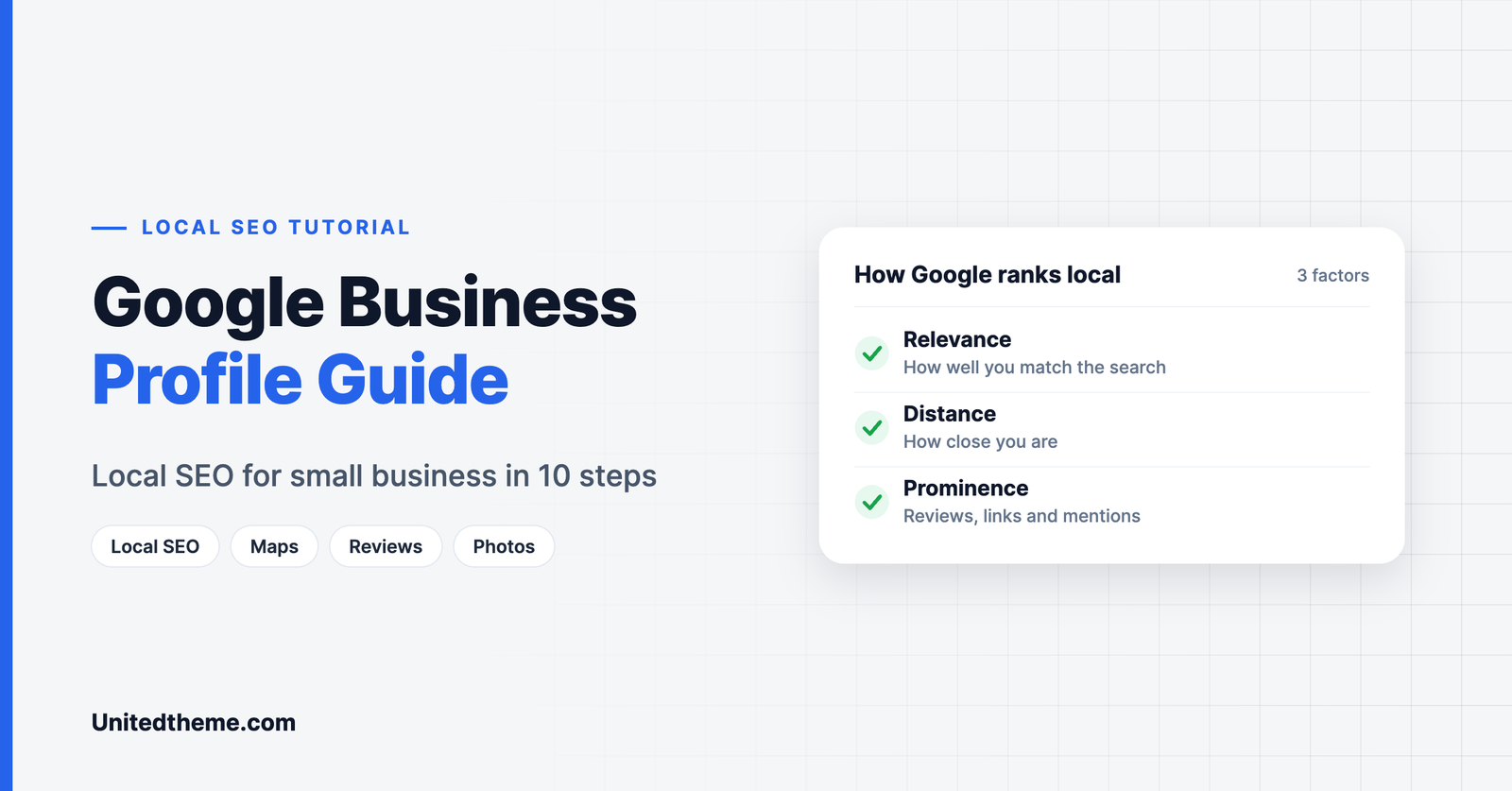
Google says local results are based mainly on three things:
- Relevance: how well your profile matches what the person searched for.
- Distance: how far your business is from the searcher or the place named in the search.
- Prominence: how well known your business is, based on reviews, links, mentions and your overall web presence.
You cannot change your distance from a customer. You can improve relevance and prominence, and that is what the rest of this guide is about.
Step 1: Create or Claim Your Profile
- Go to google.com/business and sign in with a Google account you will keep long term.
- Search for your business name. If a listing already exists, claim it. If not, create a new one.
- Enter your business name exactly as it appears on your signage and paperwork. Do not add keywords or city names that are not part of the real name.
- Choose whether customers visit your location, you travel to them, or both.
Step 2: Verify Your Business
Google needs to confirm that the business is real and that you are authorized to manage it. Verification methods vary and may include a video recording, a phone call or text, an email or a postcard sent to your address. Follow the method Google offers you. Your edits may not appear publicly until verification is complete.
Step 3: Choose the Right Categories
Your primary category is one of the strongest signals of relevance.
- Pick the most specific category that describes your core business, for example “Italian restaurant” instead of “Restaurant”.
- Add secondary categories for other real services.
- Look at which categories successful competitors use.
Step 4: Complete Every Section
Complete profiles perform better and convert better. Fill in:
- Address or service area.
- Opening hours, including special hours for holidays.
- Phone number and website.
- Services or products, with short descriptions.
- Attributes such as wheelchair access, outdoor seating or online appointments.
- Business description. Use the space to explain what you do, who you serve and what makes you different. Write for customers, and mention your main services and area naturally.
Step 5: Add Photos
Photos help customers judge a business before they visit.
- Add your logo and a cover photo.
- Add pictures of the exterior, so people recognize the building, and the interior.
- Show products, your team and work in progress.
- Add new photos regularly. A profile that looks active builds trust.
Step 6: Collect and Answer Reviews
Reviews influence both rankings and customers.
- Ask every happy customer. Share your review link by email, text or a printed QR code at the counter.
- Make it easy. One link, one tap.
- Reply to every review. Thank people for positive ones. Answer negative ones calmly, apologize where it is deserved and offer to resolve the issue offline.
- Never buy reviews or offer rewards for them. This breaks Google’s policies and can lead to reviews being removed or the profile being suspended.
Step 7: Publish Posts and Updates
Google lets you publish short updates on your profile: offers, events, new products and news. Posting regularly shows customers the business is active. Include a photo and a clear call to action such as “Call now” or “Book online”.
Step 8: Keep Your Details Consistent Everywhere
Your business name, address and phone number should be identical on your website, your Google Business Profile, social media and directories. Inconsistent details confuse customers and search engines.
Step 9: Connect a Strong Website

Your profile and website support each other. A fast, mobile-friendly site with clear service and location pages increases your prominence.
- Put your name, address and phone number in the footer.
- Create a page for each main service, and for each location if you have several.
- Embed a Google Map on your contact page.
- Add LocalBusiness schema with an SEO plugin.
- Make sure the site is technically sound. Use our technical SEO checklist for WordPress.
If you do not have a website yet, WordPress is a flexible, affordable choice. Start with one of our free WordPress themes.
Step 10: Track Your Results
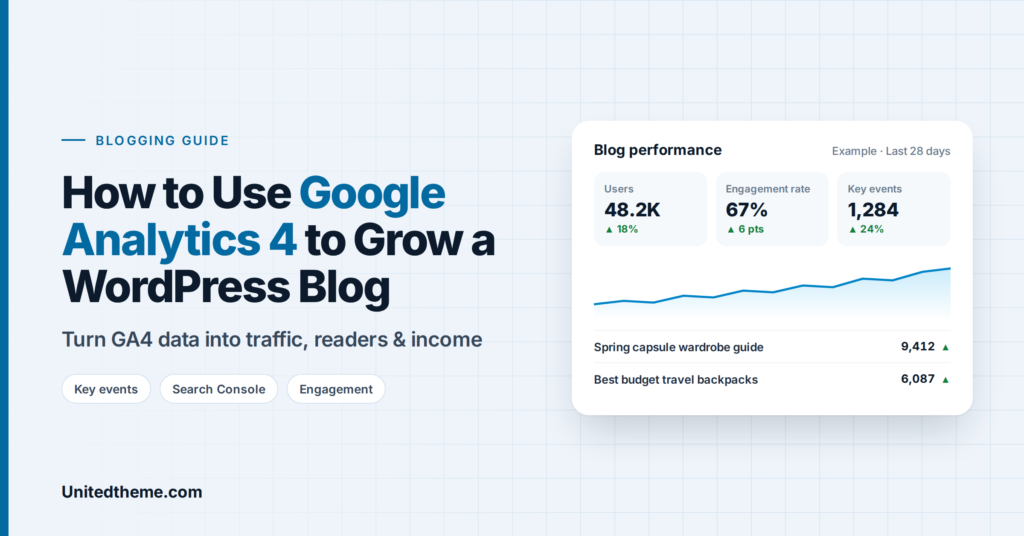
Your profile includes performance data: how many people viewed it, what they searched for and how many called, asked for directions or clicked through to your website. Review it monthly to see what is working.
For your website, connect Google Analytics so you can see what visitors do after they click. Follow our guide on how to install Google Analytics in WordPress.
Local SEO Beyond Your Google Business Profile
Your profile is the foundation, and a few other activities strengthen it.
Local citations. A citation is any online mention of your business name, address and phone number. List your business in the main general directories, in directories for your industry and in local ones such as a chamber of commerce. Accuracy matters more than quantity. Every listing should match your Google Business Profile exactly.
Location pages on your website. If you serve several towns or have more than one branch, create a page for each, with the address or service area, opening hours, directions and a few sentences that are specific to that place. Avoid copying the same text and swapping the town name.
Local content. Write about things that matter to people nearby: guides, local events you support, case studies from local customers and answers to common local questions. This shows search engines, and customers, that you are part of the community.
Local links. Links from other local websites, such as suppliers, partners, community groups, sponsors and local news sites, are a strong sign of prominence.
Reviews on other platforms. Google reviews matter most for the map results, but reviews on industry sites and social platforms also build trust.
How to Write Review Replies That Win Customers
Replies are public, so write them for future customers as much as for the reviewer.
For positive reviews:
- Thank the customer by name.
- Mention something specific from their review.
- Keep it short and warm.
- Invite them back.
For negative reviews:
- Reply promptly and stay calm.
- Thank them for the feedback and apologize where an apology is deserved.
- Avoid arguing or sharing private details.
- Offer a way to resolve the problem directly, such as a phone number or email address.
- If the issue is fixed, say so.
A business with a few negative reviews and thoughtful replies often appears more trustworthy than one with a perfect score and no replies at all.
Ideas for Google Business Profile Posts
Many owners stop posting because they run out of ideas. Rotate through these:
| Post type | Example |
|---|---|
| Offer | A seasonal discount or a first-visit offer |
| New product or service | A new menu item or treatment |
| Event | An open day, class or sale |
| Behind the scenes | A photo of the team at work |
| Customer story | A finished project, shared with permission |
| Tip | A short piece of advice from your expertise |
| Announcement | Holiday hours or a new location |
| Seasonal reminder | Book early for the busy period |
Two posts a month are enough to keep a profile looking active.
A Monthly Google Business Profile Routine
Set aside thirty minutes a month for these tasks:
- Check your details. Confirm that hours, phone number and website are still correct. Add special hours for upcoming holidays.
- Reply to every new review.
- Upload two or three new photos.
- Publish at least one post.
- Review your performance data. Note which searches bring people to your profile and how many call, request directions or visit your site.
- Look for suggested edits. Google and members of the public can suggest changes to your listing. Review them so that incorrect information does not go live.
- Check competitors. See what the businesses ranking above you are doing differently.
Managing Multiple Locations
If your business has several branches, each physical location that customers can visit should have its own profile.
- Use the same business name for every location.
- Give each location its own phone number and its own page on your website, and link each profile to its matching page.
- Keep categories consistent unless a branch offers different services.
- Add photos specific to each location.
- Manage all profiles from one account, and give local managers access to reply to reviews and add posts.
What Not to Do
A Google Business Profile can be suspended if it breaks Google’s guidelines. Avoid these practices:
- Listing an address where you do not operate, such as a virtual office or a mailbox, to appear in another town.
- Adding keywords or locations to your business name.
- Creating several profiles for one business at one address.
- Posting fake reviews, or reviewing your own business.
- Offering discounts or gifts in exchange for reviews.
- Choosing categories that do not describe what you do.
If your profile is suspended, correct the issue and submit a reinstatement request through Google’s support process.
Google Business Profile for Different Types of Business
Restaurants and cafes. Add your menu, photos of dishes and the interior, and attributes such as outdoor seating, takeaway and dietary options. Keep hours exact, since diners check them before they set out.
Tradespeople and home services. Set a service area instead of showing a home address. Add photos of completed jobs and list each service separately, so you appear for specific searches.
Retail shops. Photograph the shopfront clearly so customers can find you, list your main product categories and post about new stock and sales.
Clinics, salons and professional services. Add an appointment link, list your treatments or services with short descriptions and encourage reviews that mention the specific service the customer received.
Google Business Profile Optimization Checklist
- Profile claimed and verified
- Exact business name, no added keywords
- Specific primary category and relevant secondary categories
- Address or service area correct
- Hours accurate, including holidays
- Phone and website added
- Services or products listed
- Description written for customers
- Logo, cover and at least ten photos uploaded
- Review link shared with customers
- Every review answered
- A new post at least twice a month
- Name, address and phone consistent across the web
Common Mistakes to Avoid
- Keyword-stuffing the business name. It violates Google’s guidelines.
- Choosing a broad category when a specific one exists.
- Letting hours go out of date. A customer who finds you closed rarely returns.
- Ignoring negative reviews. A thoughtful reply often impresses future customers more than a perfect rating.
- Creating duplicate listings for the same location.
Frequently Asked Questions
Is Google Business Profile free?
Yes. Creating and managing a profile costs nothing.
How long does it take to appear in local results?
After verification, a profile can appear within days. Climbing to the top results takes consistent effort over weeks or months, especially in competitive areas.
Can I have a profile without a physical shop?
Yes. Service-area businesses that travel to customers, such as plumbers or cleaners, can hide their address and list the areas they serve.
How many reviews do I need?
There is no fixed number. Aim to earn reviews steadily and to have more, and more recent, reviews than nearby competitors.
Do I still need a website?
Yes. A website gives customers more detail, supports your prominence and is a channel you fully control.
Final Thoughts
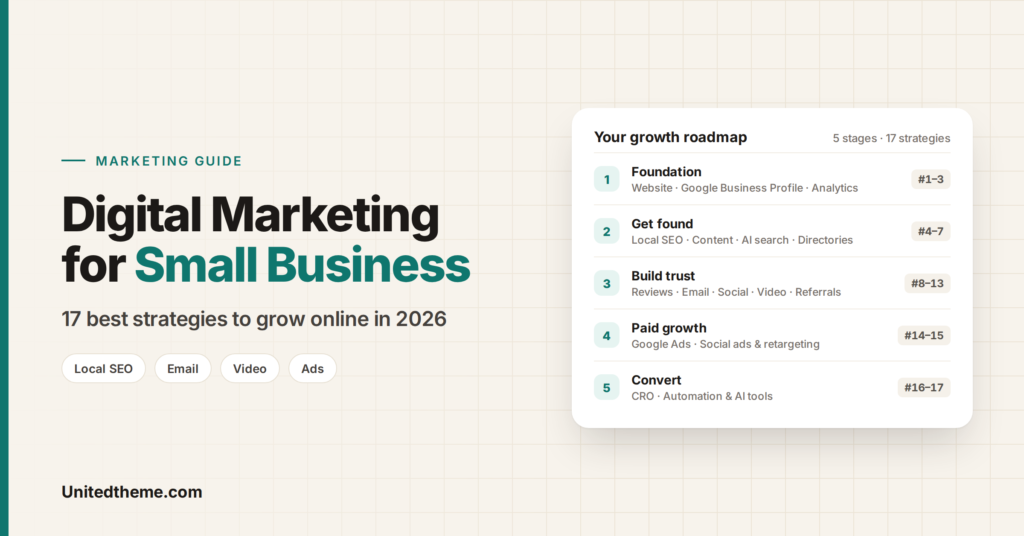
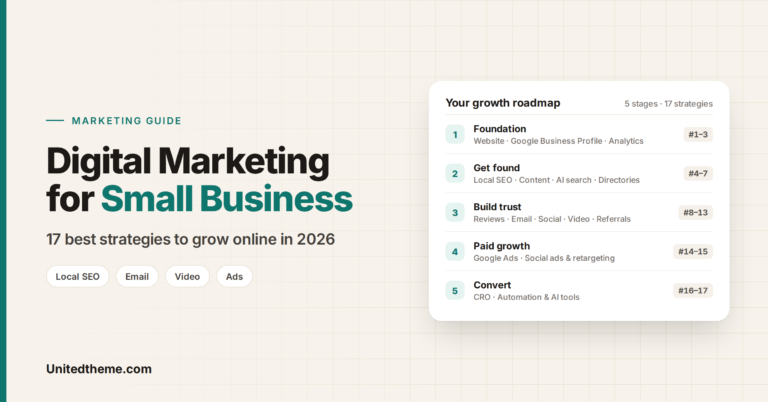
A complete, active Google Business Profile is the foundation of local SEO, and it is free. Claim it, fill in every section, earn reviews and keep it current. Local SEO is one part of a wider plan, so for the full picture read our guide to digital marketing for small business.
Leave a Reply